
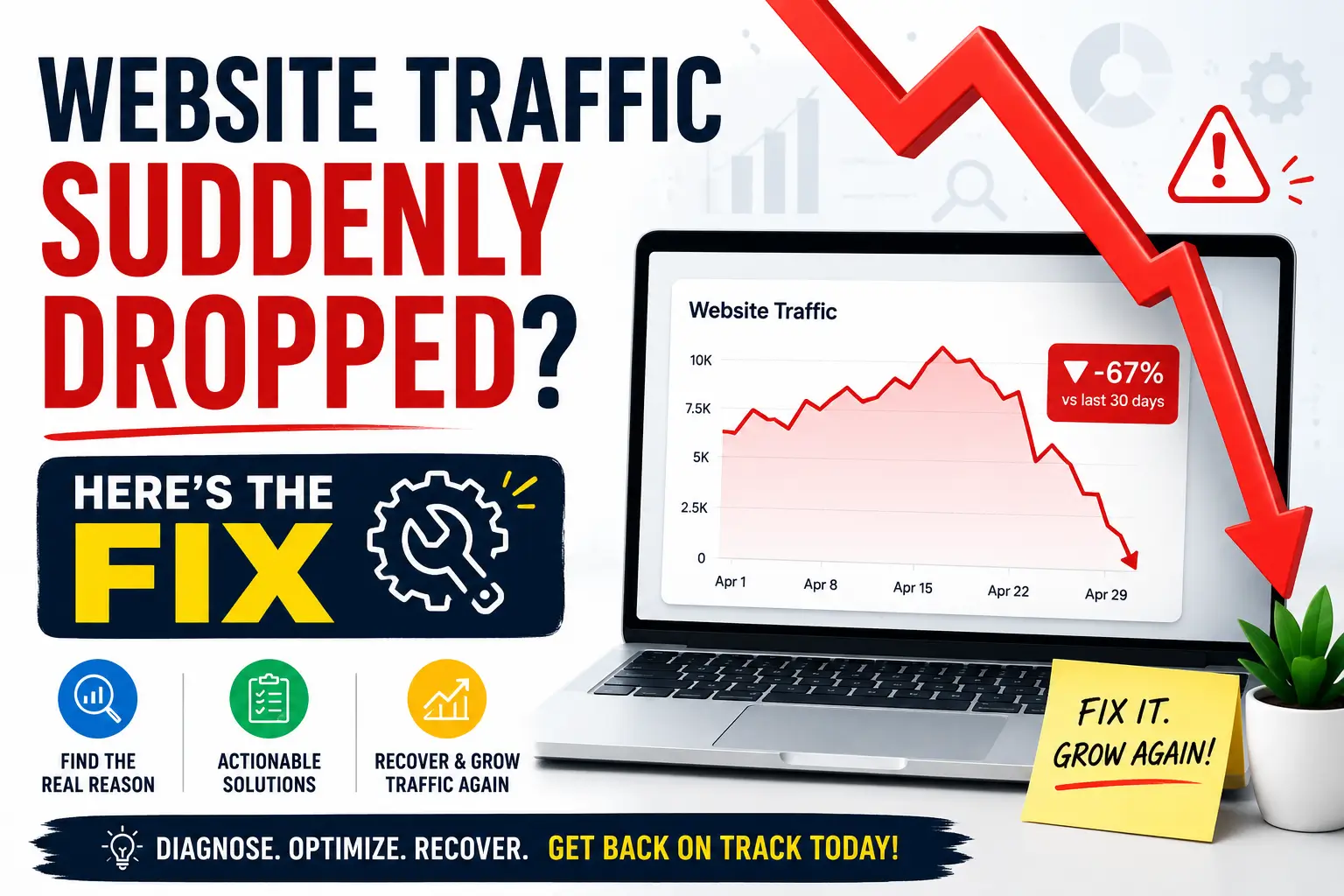
You wake up, open Google Analytics, and your heart sinks — traffic is down 40%, 60%, maybe even 70% overnight. Your phone isn't ringing. The leads have dried up. You have no idea what happened. If this sounds familiar, you're not alone. A sudden website traffic drop is one of the most stressful things a business owner or marketer can face. The good news? It's almost always fixable — once you know the real cause.
This guide breaks down every major reason your website traffic can drop suddenly, how to diagnose the exact problem using free tools, and a clear step-by-step recovery plan that actually works. No fluff, no jargon — just actionable fixes from an SEO team that has helped dozens of Mumbai businesses recover their rankings.
Why Does Website Traffic Drop Suddenly?
Before you can fix a traffic drop, you need to understand that not all drops are the same. A drop in organic traffic is very different from a drop in direct traffic or referral traffic. The source tells you where to look. Open Google Analytics or Google Search Console right now and answer these questions:
- Which traffic channel dropped — Organic, Direct, Referral, Social, or Paid?
- Did it drop on a specific date, or gradually over weeks?
- Which pages or landing pages lost the most traffic?
- Did specific keywords lose rankings?
- Is Google still indexing your pages?
Once you answer these, you can narrow the cause down to one of the major categories below. Let's go through each one.
Google Algorithm Update
Google rolls out hundreds of updates per year. Core updates can shake rankings dramatically within days.
Technical SEO Errors
A broken robots.txt, wrong noindex tag, or server error can get your pages deindexed overnight.
Manual Penalty
Google's spam team can manually penalise sites for policy violations, wiping out rankings fast.
Thin / Duplicate Content
Low-quality, copied, or AI-spun content that fails to satisfy user intent gets devalued by Google.
Lost Backlinks
If high-authority sites that linked to you removed those links, your domain authority can slip fast.
Competitor Overtake
A competitor with better content and links may have pushed your pages off page one gradually.
1. Google Algorithm Updates — The #1 Suspect
Google makes thousands of changes to its search algorithm every year. Most are minor and barely noticeable. But a few times each year, Google rolls out what it calls a Core Algorithm Update — and these can move rankings by dozens of positions in a matter of days.
How to Check if an Algorithm Update Caused Your Drop
Compare the exact date your traffic dropped with the Google Algorithm Update history. You can check reliable trackers like Semrush Sensor, Moz Google Algorithm Change History, or simply Google "Google algorithm update [month year]". If your drop aligns within 1–3 days of a confirmed update, that's almost certainly the cause.
Important: You cannot "disavow" or appeal a core algorithm update. Google does not manually reverse it. The only fix is to genuinely improve your content quality, E-E-A-T signals (Experience, Expertise, Authoritativeness, Trust), and overall site quality — then wait for the next update to recover.
What Types of Updates Can Hurt You
- Core Updates — Broad quality reassessments that can affect any site in any niche.
- Helpful Content Updates — Targets content made for search engines rather than real people.
- Spam Updates — Targets manipulative link schemes and spammy on-page practices.
- Product Reviews Updates — Specifically targets thin, affiliate-heavy review pages.
- Page Experience Updates — Penalises slow, mobile-unfriendly, or intrusive ad experiences.
2. Technical SEO Issues — The Silent Killers
Technical problems are sneaky. One wrong setting pushed to production can deindex hundreds of pages overnight. And unlike algorithm updates, these have immediate, concrete fixes. Always check technical factors first.
Check robots.txt
Visit yourdomain.com/robots.txt. Make sure Googlebot is not accidentally blocked with "Disallow: /". This one mistake alone can wipe out all organic traffic.
Check Noindex Tags
Search for <meta name="robots" content="noindex"> in your page source. WordPress staging environments often push noindex to live sites accidentally.
Server Errors (5xx / 4xx)
Go to Google Search Console → Coverage report. If Google is seeing a spike in 404 or 500 errors, pages are being dropped from the index. Fix server errors immediately.
Site Speed & Core Web Vitals
Check PageSpeed Insights. If your LCP, FID/INP, or CLS scores are poor, Google may demote your pages especially after a Page Experience update.
HTTPS / SSL Issues
If your SSL certificate expired or your site recently migrated from HTTP to HTTPS without proper redirects, traffic can drop drastically. Check for mixed content warnings too.
Sitemap Errors
Submit a fresh sitemap in Google Search Console. If pages are excluded or returning errors, Google may stop crawling them regularly.
3. Manual Penalties — When Google Takes Direct Action
Unlike algorithm changes, a manual action means a human reviewer at Google found your site violating their guidelines and applied a direct penalty. This is serious but also one of the easiest situations to confirm — because Google tells you.
Go to Google Search Console → Security & Manual Actions → Manual Actions. If you see any notice here, that is the cause of your drop. Common reasons for manual actions include:
- Unnatural inbound links (buying or exchanging links at scale)
- Hidden text or cloaking — showing different content to Google vs users
- Doorway pages — multiple pages targeting near-identical keyword variations
- Hacked site — malware or spammy injected content placed by hackers
- Scraped or duplicate content violating spam guidelines
To recover from a manual penalty, fix the specific issue Google mentions, then submit a Reconsideration Request through Search Console. Recovery can take 2–8 weeks after your request is reviewed.
4. Content Quality Problems
With Google's Helpful Content System now baked permanently into the core algorithm, thin, generic, and unhelpful content is being demoted like never before. Google wants content written by real people, for real people — content that actually helps someone solve a problem or make a decision.
Signs Your Content Quality Is Hurting Rankings
- High bounce rate — users leave within seconds of landing
- Low dwell time — users don't spend meaningful time on your pages
- Keyword stuffing — unnatural repetition of keywords throughout content
- Shallow word counts — blog posts under 500 words on competitive topics
- Mass AI-generated content without human editing or unique insight
- Duplicate content — same or near-identical text across multiple pages
How to Fix Content Quality Issues
Audit your top dropped pages using Google Search Console's Performance report. Find pages that had impressions but low click-through rates or that recently lost clicks. Rewrite them from scratch — add real expert insight, original data, clear structure, and genuinely answer the user's full query. Then request indexing again via Search Console.
5. Backlink & Authority Loss
Backlinks remain one of the strongest ranking signals. If high-authority websites that were linking to you have removed those links — because they updated their pages, switched CMS, or shut down — your domain authority and specific page rankings can slip noticeably.
Use Ahrefs or SEMrush's Backlink Audit tool to check your link profile. Look for:
- A sudden drop in referring domains or total backlinks
- Lost links from high DR/DA websites that previously boosted you
- A spike in toxic backlinks from spammy or irrelevant domains
- Links from penalised or deindexed websites pointing to yours
If you've lost good links, reach out to the linking sites and ask them to restore the link. For toxic links, use Google's Disavow Tool — but only after a thorough audit, as disavowing legitimate links can hurt your rankings further.
6. Competitor Overtake
Sometimes your site didn't do anything wrong. A competitor simply got better — they published more comprehensive content, earned stronger backlinks, improved their UX, or ran a smart content marketing campaign that pushed them ahead of you in the SERPs.
Run a competitor gap analysis: search your top keywords in an incognito browser and compare who has moved above you. Check their page quality, word count, backlink count, and UX. Then create a plan to outdo them on every dimension — better content, faster page speed, more authoritative links, stronger local SEO signals if you're targeting Mumbai or nearby areas.
Your Step-by-Step Traffic Recovery Plan
Now that you know the causes, here is the complete action plan to diagnose and recover your traffic. Work through these steps in order:
Open Google Search Console — Right Now
Check the Coverage report, Manual Actions, and Performance tab. Note the exact date traffic started dropping. Cross-reference with confirmed Google algorithm update dates.
Verify Robots.txt and Noindex Tags
Visit /robots.txt and inspect your pages for accidental noindex meta tags. These are silent traffic killers that are completely invisible until you look for them.
Run a Full Technical SEO Audit
Use Screaming Frog (free up to 500 URLs) to crawl your site. Identify 404 errors, redirect chains, duplicate title tags, missing meta descriptions, and slow pages.
Check Google Analytics for Traffic Channel
Confirm whether organic, direct, referral, or social traffic dropped. If only one channel dropped, the problem is specific to that source — not a site-wide SEO issue.
Audit Your Backlink Profile
Check for lost referring domains and toxic backlinks using Ahrefs or SEMrush. Reach out to recover lost high-quality links and disavow genuinely harmful ones.
Update and Improve Dropped Pages
For every page that lost significant traffic, rewrite or substantially update the content. Add depth, original insights, better structure, and a stronger match to user intent.
Improve Page Speed and Core Web Vitals
Use Google PageSpeed Insights and fix LCP, INP, and CLS issues. Compress images, use a CDN, minify CSS/JS, and enable browser caching.
Build Fresh, Authoritative Content
Publish new in-depth blog posts, guides, and local SEO content consistently. Google rewards active sites that demonstrate growing expertise in their niche.
Request Re-Indexing in Search Console
After making improvements, use the URL Inspection tool in Search Console to request Google re-crawl and index your updated pages faster.
Monitor Weekly and Stay Consistent
SEO recovery is not instant. Track your rankings and traffic weekly. Be consistent with content updates and link building. Most recoveries happen within 4–12 weeks.
Traffic Recovery Timeline — What to Realistically Expect
One of the most common questions we get at TechMR is: "How long will it take to get my traffic back?" The honest answer depends on the cause:
- Technical issues fixed (robots.txt, noindex) — Recovery in 3–14 days after Google re-crawls
- Manual penalty with reconsideration request — 2–8 weeks after Google reviews your request
- Algorithm update — content improvements — Typically 2–6 months, aligned with next major update
- Backlink recovery / toxic link cleanup — 4–12 weeks depending on crawl frequency
- Competitor overtake — requires sustained content & link effort — 3–9 months of consistent work
💬 Need Help Diagnosing Your Traffic Drop?
TechMR has helped businesses across Mumbai recover from Google algorithm drops, technical SEO disasters, and manual penalties. Get a free SEO audit and recovery plan.
Chat on WhatsApp — Free SEO Audit